 TradeFlo
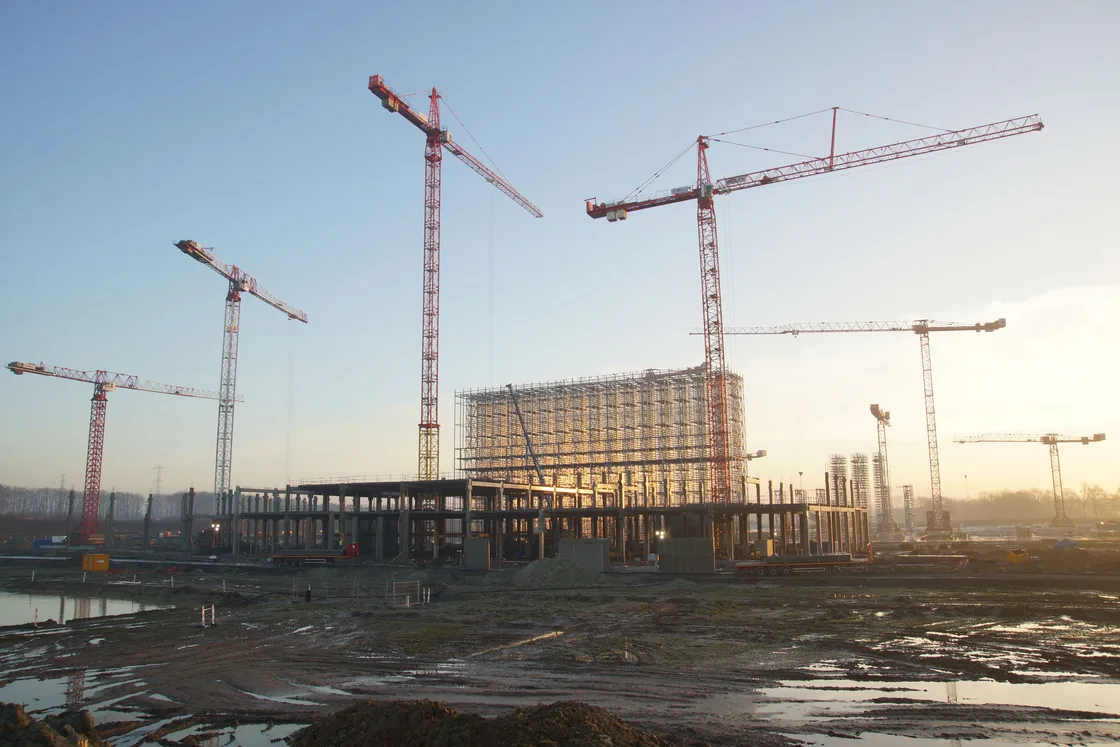
AI automation for construction and civil engineering
Less retyping between site and office.
For main contractors, civils and groundworks firms. The AI reads what comes in from site and from suppliers, drafts the next document and leaves each decision with your team.
Where the work waits between site and office
A site instruction arrives as a photo and two lines of email. A supplier quote arrives as a PDF with its exclusions on the last page. A measure sits in a spreadsheet on someone's laptop.
Your quantity surveyor or estimator reads each one, types the details into the next sheet and chases whatever is missing.
Each step is small. Together they hold up the variation, the valuation and the next order.
Every line retyped from a site record is time your commercial team could spend checking it.
Where AI helps on contract paperwork
Three workflows we start with for contractors. Each has its own page, with who signs it off.
Estimating and supplier quotes
The AI lines up each package quote against the scope, so your buyer sees what each supplier leaves out.
Variations (change orders)
A site instruction becomes a draft notice, priced from your agreed rates, for your contracts manager to sign.
Valuations (payment applications)
Each line of the application is drafted from the site record and linked to it, for your commercial lead to approve.
If your office handles other paperwork the same way, such as the site diary or daily log, we map it in the free review.
See all workflow automationOne workflow, start to finish
A sample variation, from the site team's message to the contracts manager's desk.
- Reads
- The site instruction, its photos and the contract's schedule of rates.
- Extracts
- What changed, where on site, and which rates apply.
- Drafts
- The notice, priced line by line and linked to the site record.
- Flags
- Any item with no agreed rate, for the contracts manager to price.
The draft goes nowhere until your contracts manager signs it. The AI never sends a notice on its own.
Run record: a site instruction
- A site instruction with photos, from the site team
- The instruction, the drawing it names and the schedule of rates
- A variation notice, each line priced and linked to its source
- One item has no agreed rate
- The contracts manager, to price and sign
Waiting for the contracts manager's sign-off
Works with the systems you already use
We build around the systems you already use, such as Procore, Autodesk and Microsoft 365.
For a contractor that means the shared inbox where instructions land, the drawing register and the valuation spreadsheet.
Your systems lead signs off each connection before the AI can read from it.
How to start
Three steps, each ending with a sign-off from your side.
Map
We follow one process, such as variations, with the people who run it.
You receive: A written workflow map
See how Map worksConnect
We connect the AI to the inbox and folders your systems lead approves.
You receive: An access list and systems diagram
See how Connect worksBuild
We test the workflow on your own past jobs before anyone relies on it.
You receive: A working workflow and handover notes
See how Build works
Questions from contractors
Does this suit civils and groundworks firms?
Yes. The documents differ from a building job, but the pattern is the same: instructions, measures and quotes arrive in mixed formats and someone retypes them. We map yours in the free review.
Who signs off what the AI drafts?
The person who signs it today. Your contracts manager approves a variation, your buyer approves a comparison and your commercial lead approves a valuation.
Is TradeFlo another piece of software for construction companies?
No. We work with the inbox, drives and spreadsheets you run today. If a system cannot be connected reliably, we say so before any quote.
What does the first step cost?
The workflow review is free. Any build after it is quoted in writing, with the scope agreed before work starts.
Contact us to map one contract workflow.
Bring one variation or valuation that reached the office late. The workflow map from the review is yours to keep.
Choose your region